
How to contact support
Updated October 17, 2026
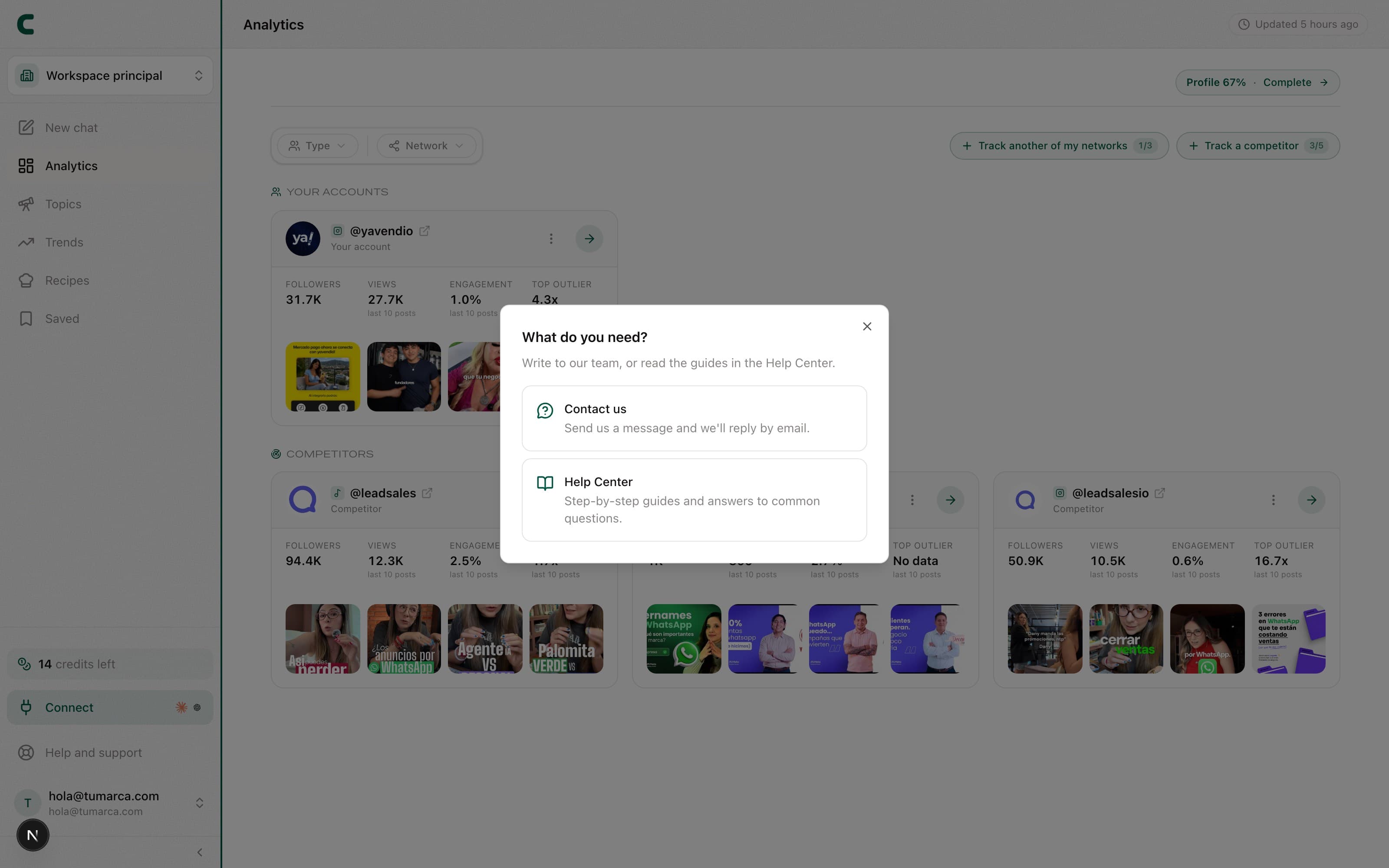
If something isn't working as expected, the fastest first step is to search here in the Help Center: many questions already have an answer. If you still need help, reach out to us directly.
Open the Help and support dialog
The "Help and support" option is in your user menu (tap your name at the bottom of the sidebar). Tapping it opens a dialog that writes straight to the team; from there you can also reach this help center.
Pick the category
A bug report, an idea or suggestion, or a question.
Write a subject
A one-line summary of what you need.
Describe the details
Tell us what you did, what you expected to happen, and what happened instead.
In the chat, the REPORT BUG badge next to Scouty's title opens this same dialog with the bug category preselected. Handy if the problem showed up mid-conversation.
What to include so we can help fast
- What you were doing and which section you were in.
- What you expected to happen and what you saw instead.
- The exact text of any error message you saw.
We reply by email to your account's address, so make sure it's the right one.
Was this article helpful?
Related articles
- Why my data doesn't update instantlyContentScout refreshes each piece of data on its own cadence, not in real time. Here's each frequency, what the "Tracking" label means, and when to write to support.
- Why a section shows up emptyAn empty state in ContentScout is honest: it means that data doesn't exist yet for that account, not that something is broken. Here are the most common cases.
Didn't find what you were looking for?
Reach us from the app via the Help button at the bottom of the menu and we'll reply by email.