
How to listen to keywords on TikTok, Instagram, and YouTube
Updated November 2, 2026
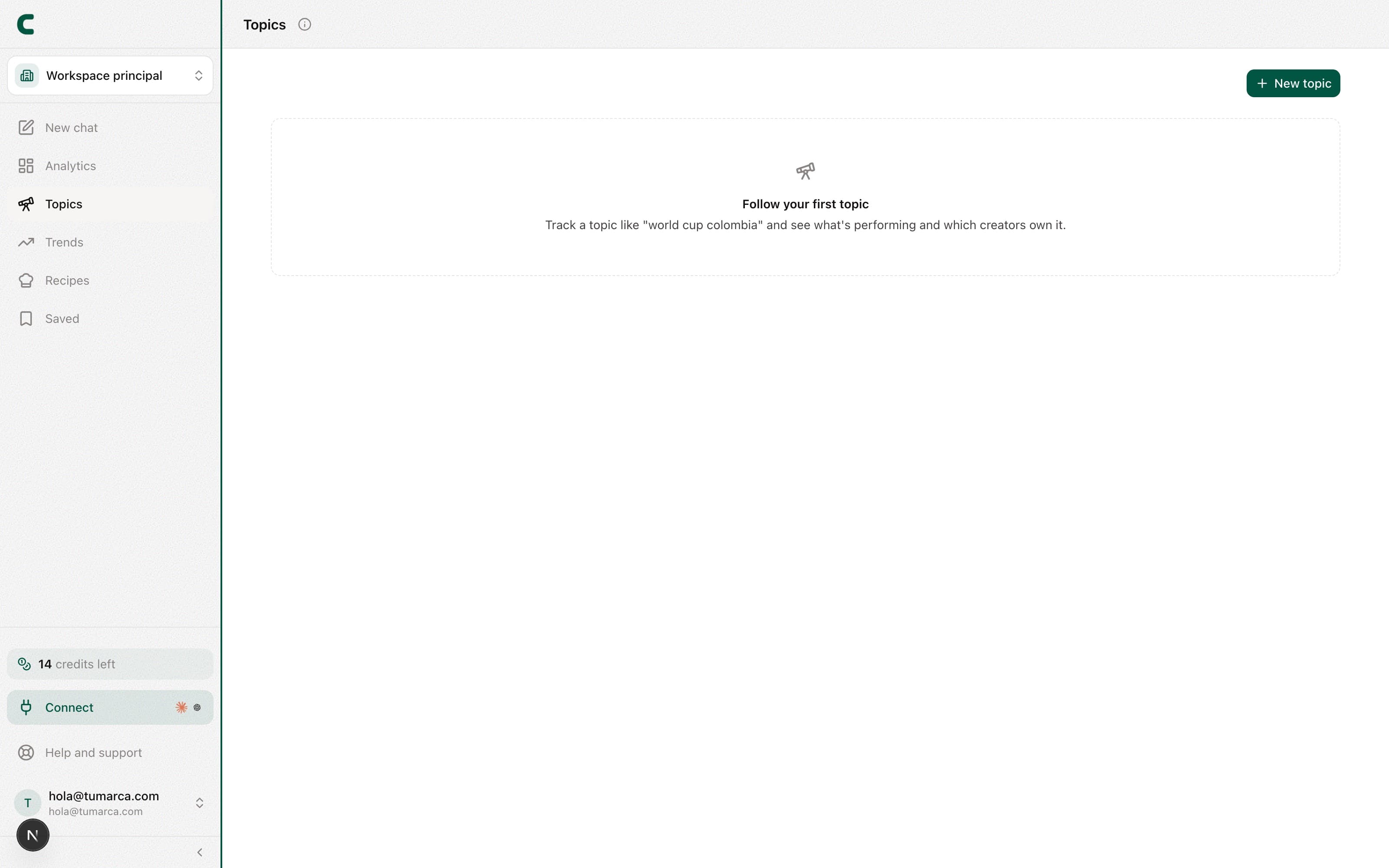
Keywords, one of the three tabs in Tracking, lets you listen to what's working on any subject, not just specific accounts. You run a keyword search and ContentScout gathers the standout posts and the creators driving the conversation. It's ideal for spotting formats and angles that land in your niche, beyond the accounts you already follow. It's included in every paid plan.
How to create a keyword
Go to the Keywords tab in Tracking
Tap New keyword at the top right, or Add in the last row of the table. How many you can watch at once depends on your plan: the button's counter and the last row tell you how many you have left.
Enter your keywords
Describe the topic and pick the networks. Language matters: we drop anything that isn't in the one you choose, and we also translate your query into that language before searching, because searching in English returns English content. Period and country are optional.
Confirm the search
It costs no credits. Scouty scans the platforms you picked in a few seconds.
Explore the results
Switch between Posts, Evolution and Creators. In Posts you can sort by views, likes, comments or date, and filter by tag.
You can also ask Scouty in the chat, like "create the keyword vegan recipes on TikTok and Instagram", or ask it to delete one: it shows you a card and nothing changes until you confirm it. See what Scouty can do for you.
Keep your keywords fresh
Results refresh on their own every 24 hours: we search again for you and replace the previous ones. You don't have to do anything, and it costs no credits.
When a network brings nothing
If you asked for a network and none of its results show up, the screen tells you how many we dropped and why. It's almost always that the word means something else there: "automation" on Instagram brings industrial machinery. Try the phrase your audience would actually use.
From any result you can save it, ask for its analysis, get its transcript, or put it under tracking. Keywords is included in every paid plan: it unlocks with an active subscription from Subscription.
Frequently asked questions
How is this different from Trends?
Trends surfaces rising topics in your niche automatically. Keywords is driven by you: you pick the words and decide when to refresh them.
What does re-running a search cost?
None. The first search and the daily refresh are both free. What is capped is how many keywords you can watch at once.
How many platforms can I search at once?
You can listen to TikTok, Instagram, and YouTube in a single search, and see the results together in the posts and creators tabs.
Was this article helpful?
Related articles
- How to use TrendsFour tabs to get ahead of what's coming: hand-picked viral formats, hashtags that are performing, rising audios, and growing topics in your niche.
- How to track a post and watch it evolvePut any post under watch and save its numbers every day to see how it evolves: views, likes, comments and engagement.
- How the free days, plans, and credits workUnderstand what your 5 free days include, which actions use credits (analyses and transcripts; the chat and outlines don't), and where to watch your balance.
Didn't find what you were looking for?
Reach us from the app via the Help button at the bottom of the menu and we'll reply by email.